
Hair salon website: what actually gets you booked
A pretty salon website is not enough. Whether people book comes down to three specific spots on the page. Here they are, one by one.
6 min readBy Easy and Fast Web
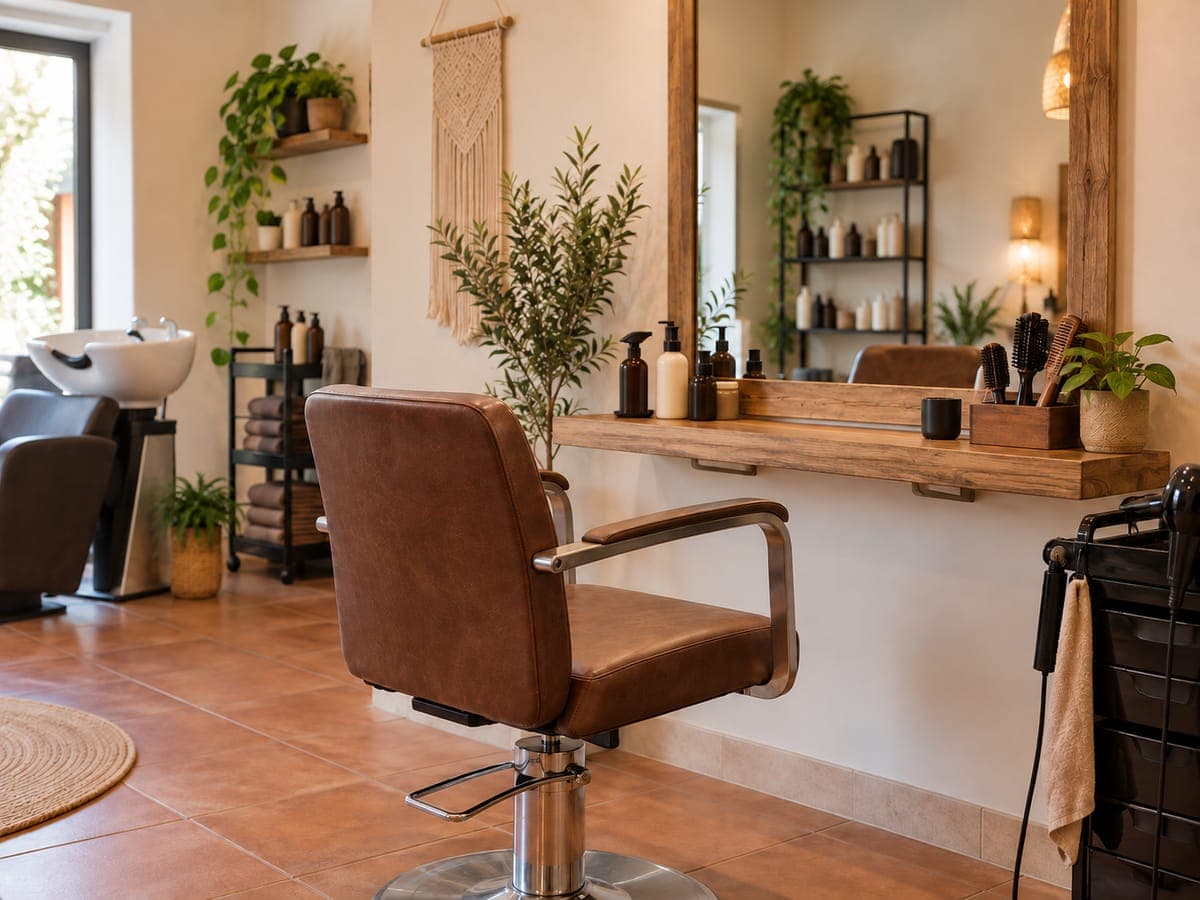
A hair salon website has one job. Looking nice isn't it.
Its job is to get a stranger to book a chair with you.
That happens in a small space: what they see when they open it on their phone, what they find when they look for a service, and what happens when they tap the button.
If the site fails at any one of those three, the visitor books somewhere else. Below: what your salon website needs, what it can skip, how to take appointments without paying for software you may not need, and how Easy and Fast Web lets you see yours finished before you decide anything.
What should a hair salon website include?
A hair salon website should answer four questions within seconds: what you do, where you are, when you're open and how to book. If those four answers are visible on a phone screen, with a clear button to book, call or message you on WhatsApp, the site is doing its job. Everything else comes second.
Here is the short list, in the order a client looks for it:
| What | Why it matters |
|---|---|
| Name, area and a booking button | It's the first thing people see; if they have to hunt for it, they leave |
| Services in plain words | "Highlights", "men's cut", "keratin treatment": what people type into Google |
| Opening hours and address | The question you answer most on the phone, answered before they call |
| Tappable phone and WhatsApp | On a phone, a number you can't tap is a number nobody dials |
| Photos | Of the salon and your work; if you have none yet, images labelled as illustrative |
| Map or directions link | Someone new to the area wants to know how to get there |
Name your services the way clients do
This is where search is won or lost. Nobody searches for "comprehensive hair styling solutions". They search for "balayage near me" or "kids haircut" plus their town.
Write each service the way people ask for it in your chair. If you do colour, name the techniques. If you cut children's or men's hair, say so in those words. If you do bridal updos, put the word "bridal" on the page.
What about prices? It depends on how you work. Some salons give a guide ("cuts from…"), others only quote in person because every head of hair is different. Both are fine. What causes trouble is a price list you no longer charge: it starts arguments at the till. If you publish one, keep it current.
With Easy and Fast Web, if you give us a price range it is published exactly as you wrote it. The AI never writes or invents amounts. If you don't give one, the prices section doesn't appear.
How do clients book without booking software?
You have three options, and you don't need a paid online diary to start.
- Call or WhatsApp. Big buttons that open the phone or the chat. It's the simplest route, and for many neighbourhood salons it's how bookings already happen.
- An appointment request on the site. A short step-by-step form: the client picks a service, suggests a day and time, and leaves their details. Be clear on what it is: a request, not a confirmed slot. It reaches you by email and you confirm it.
- Your current booking system. If you already use an online diary, the site gets a "Book" button that takes people straight to it.
That is exactly what Easy and Fast Web does. If you choose bookings as the site's goal and have no booking system, the site gets a four-step appointment request (service, date, time, details), and requests reach you by email. If you already have a booking system, give us its address and the button links to it.
What we don't do: we have no booking engine of our own, the site doesn't block slots in your diary and it doesn't send reminders to clients. If you need that, keep your booking software and let the site link to it.
Photos, reviews and trust
People choose a salon with their eyes. Photos of your work count for more than any paragraph.
What helps:
- Real photos of the salon and of your own work, with permission from anyone in them.
- How long you've been open, if you can say it: "open since 2009" beats any adjective.
- The brands or techniques you work with, if that's true.
What hurts:
- "The best salon in town" with nothing to back it up.
- Copied reviews, or reviews you wrote yourself. If you have reviews, they live on your Google profile, and that's where clients will check.
- Stock photos passed off as your salon.
With Easy and Fast Web you can upload your logo and your own photos, and they take priority over AI-generated images. Anything you don't upload is covered with illustrative images, labelled as such. And before you receive a proposal, a check makes sure the text doesn't claim things your details don't support.
Make your website and Google profile match
Many people will find you on Google Maps first and open your website second. If one says you open on Saturdays and the other doesn't, they trust neither.
Copy the name, address, phone number and hours from your Google Business Profile and use them word for word on the site. It helps clients, and it helps Google see that both describe the same business. If your profile isn't set up properly yet, we cover it in how to show up on Google Maps.
One honest caveat: having a website does not guarantee the top spot on Google. Nobody can promise that, us included. A clear website does make sure that when someone finds you, they have a reason to book.
See your salon website before you pay
This is where it differs from commissioning a site blind. With Easy and Fast Web you fill in a questionnaire with your services, hours, area and how you want clients to book. The AI builds the site and you see it finished. You get 3 free generations when you verify your email, no card needed.
You can see how a hair and beauty salon site looks in our examples, and what's included (and what isn't) in the FAQ. If you like it, publishing is paid, and you see the price in your dashboard before you decide. It goes live at an address like yoursalon.easyandfastweb.com; your own domain is optional and you buy it separately.
Every site shares the house design. Generations change text and details; a change of style is requested with a ticket once you've bought the site.
Build your first version and check it on your phone
Have your services, hours and photos ready. Generate the first version, open it on your phone and ask one question: if you didn't know this salon, would you book? If the answer is yes, you know what to do next.
Frequently asked questions
Does a small salon need a website if it already has Instagram?
Instagram shows your work, but it doesn't answer well when someone searches Google for "hair salon" plus your area. A website puts services, hours, address and booking in one place you can link from your profile and from your Google listing.
Can the website book appointments straight into my diary?
Not directly. The site can carry a four-step appointment request that reaches you by email for you to confirm, or a button that goes to your booking system if you already use one. We don't have a booking engine of our own.
Do I have to show prices on my salon website?
No. If you give us a price range, it's published exactly as you wrote it; if not, the prices section doesn't appear. What matters is that anything you publish is what you charge today.
Can I use my own photos?
Yes. You can upload your logo and some of your own photos, and they take priority over AI-generated images. Generated images are labelled as illustrative.
Can I change the colours of my salon website?
Every site shares the house design. With the free generations you change text and details; a change of style or colours is requested with a ticket once you've bought the site.
Tags:hair salonsappointmentslocal businesswebsite
Market figures in this article are indicative.