
Restaurant website: what decides whether they book a table
People looking for dinner open your site on their phone and decide in seconds. One common mistake makes them close it. Here's how to avoid it.
7 min readBy Easy and Fast Web
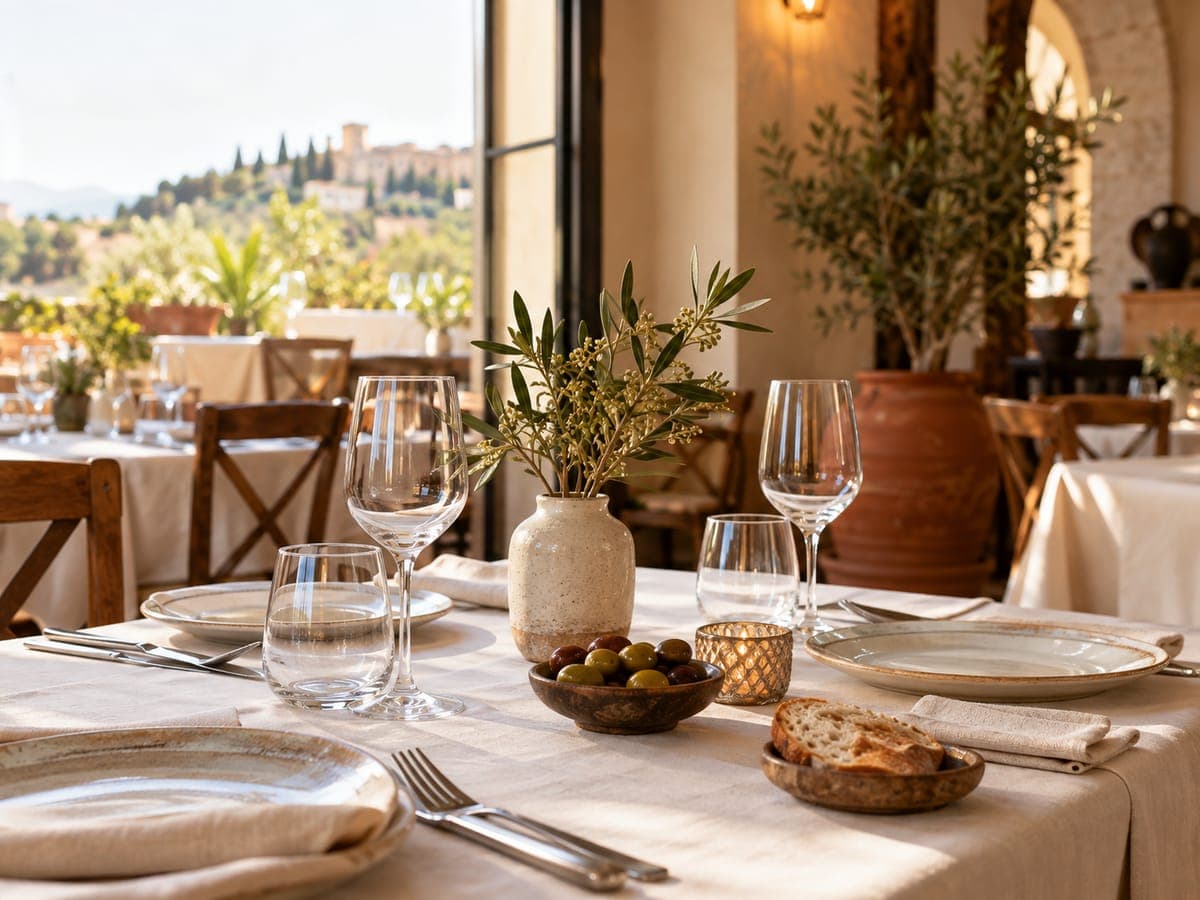
It's 8:30 pm. Someone nearby is hungry, searches for a place to eat and opens your restaurant website on their phone.
You have a few seconds.
In that time they look for three things: what you serve, whether you're open tonight and how to get a table. If one of them is missing, they hit back and open the place next door.
Most restaurant websites lose people over something small and fixable. You'll see it in a moment. Below: what your site needs, what to do with the menu and the daily set menu, how to take bookings without paying for software, and how to see the site built before you decide anything.
What should a restaurant website include?
A restaurant website should answer four questions on a phone, without scrolling around: what kind of food you serve, where you are, which days and hours you open, and how to book or call. With those visible and a clear button to book, call or message you on WhatsApp, the site does its job. Everything else helps, but it doesn't decide.
Here's that small mistake: the menu as a heavy PDF that takes ages to open, or opening hours buried in the footer. Hungry people don't wait.
| What | Why it matters |
|---|---|
| Name, type of food and neighbourhood at the top | Confirms in a second that they found the right place |
| Lunch and dinner hours, and closing days | The question you get asked most on the phone |
| A button to book, call or WhatsApp | On a phone, anything you can't tap doesn't get used |
| The menu, or a selection of dishes, as text | Readable straight away and Google can understand it; a heavy PDF, not always |
| Address with a map | People who don't know the area want directions |
| Photos of the room and your food | Tables get booked by the eyes |
The menu: as text, up to date, with allergens
The menu is what people look at most, and what restaurants neglect most.
Write dishes the way people search for them: "paella", "tapas", "kids' menu", "vegan options". That's how your site shows up when someone types a dish plus your area.
You don't need the full menu. A selection of the dishes you're known for works just as well and means less to update when the menu rotates.
Prices are up to you, but if you list them, list today's. Old prices end in an argument at the till. With Easy and Fast Web, if you give us a price range, it's published exactly as you wrote it. The AI doesn't write amounts or make them up, and if you don't give one, there's no price section.
On allergens, carefully: EU Regulation 1169/2011 requires restaurants to give information on 14 allergens in the food they serve, and in Spain Royal Decree 126/2015 covers non-packaged food. How that has to appear on a website is not something we'll decide for you; ask your adviser or your regional health authority. The safe approach is simple. The menu on your site shouldn't contradict the one in the restaurant, and it should say how to ask about allergens.
What about the daily set menu?
Many restaurants get this wrong, and it's easy to see why. A set lunch menu changes every day, and nobody rebuilds a website every morning.
What works on the site: saying that you serve a set menu, on which days and at what time, and roughly what it includes (starter, main, dessert or coffee, bread and a drink, if that's your format). That part doesn't change.
Today's dishes belong where you can update them in a minute: your social media, your Google Business Profile or a board by the door. The website links to your social profiles for anyone who wants to check.
So there are no surprises: an Easy and Fast Web site doesn't edit itself every day. Once purchased, it includes 3 tickets a month, and each ticket covers one change, one generation or a support request. That's enough to update the menu when the season changes. It isn't meant for the menu of the day.
How do you take table bookings without booking software?
There are three ways, and you don't need to pay for software to start.
- Phone or WhatsApp. Big buttons that open the dialler or the chat. In plenty of neighbourhood restaurants, that's how people already book.
- A booking request on the site. A four-step form: the guest picks what they want, suggests a day and time and leaves their details. It reaches you by email and you confirm it. It's a request, not a reserved table.
- Your current booking system. If you already use a booking platform, the site gets a "Book" button that goes straight to it.
That's exactly what Easy and Fast Web does. If you choose bookings as the goal and don't have a system, the site gets that four-step request. If you do, you give us its address and the button points there.
What we don't do: we have no booking engine of our own. The site doesn't manage capacity, block tables, send reminders or take deposits. There's no takeaway ordering or online shop either. If you need any of that, keep your platform and let the site link to it.
Photos, language and trust
A well-set table persuades more than three paragraphs. Upload real photos of your dining room and your dishes. With Easy and Fast Web they take priority over AI-generated images, and any gaps are filled with images labelled as illustrative. Don't pass off stock photos as your own place.
Lots of visitors from abroad? Each site is generated in one language you choose: Spanish, Catalan, Galician, Basque, English, French, German, Italian or Portuguese. Pick the language of most of your guests.
Drop the claims you can't back up. "The best paella in town" convinces nobody. "Open since 1998" or "market cooking, seasonal menu", if true, does. Before you get the proposal, a check makes sure the text doesn't claim things your details don't support.
One last detail that matters: your website and your Google Business Profile should say the same thing. Same name, address, phone and hours. If one says you open on Sundays and the other doesn't, people trust neither. We explain it step by step in how to show up on Google Maps as a local business. One honest caveat: having a website doesn't guarantee you'll rank first on Google. Nobody can promise that.
See your restaurant's website before you pay
You fill in a questionnaire with your food, your hours, your area, how you want people to book, and your photos. The AI builds the site and you see it finished, on your phone, before you decide anything. You get 3 free generations when you verify your email, no card needed.
See what a restaurant site looks like in the examples, and what's included and what isn't in the FAQ. If you like it, publishing is paid, and you see the price in your dashboard before you decide. It goes live at an address like yourrestaurant.easyandfastweb.com; your own domain is optional and you buy it separately.
All sites share the house design. Generations change text and details; a style change is requested with a ticket once you've bought the site.
Build your site and open it at 8:30 pm
Have your hours, a handful of dishes and three photos ready. Generate the first version and open it on your phone the way a hungry person in a hurry would. If within a few seconds they know what you serve, when you're open and how to get a table, you've got your website.
Frequently asked questions
Does a restaurant need a website if it's already on Google Maps and Instagram?
Your Google profile and social media help people find you, but they say little about your menu or how to book. A website puts menu, hours, location and bookings at one address you can link from your profile and your social accounts.
Can the website manage table bookings?
Not like booking software. It can carry a four-step booking request that reaches you by email for you to confirm, or a button to your booking platform if you already use one. It doesn't manage capacity or block tables.
Can I upload my menu as a PDF?
The site is generated from the menu or dishes you write in the questionnaire, as text. That reads best on a phone and is what Google understands. If the menu changes, you update it with a ticket once you've bought the site.
Can I post the daily set menu every morning?
That's not what the site is built for. The practical approach is for the site to say you serve a set menu, when, and what it includes, with today's dishes on your social media or Google profile.
Can my restaurant website be in English?
Yes. Each site is generated in the language you choose: Spanish, Catalan, Galician, Basque, English, French, German, Italian or Portuguese.
Tags:restaurantshospitalitybookingsmenuwebsite
Market figures in this article are indicative.